Enlighter – Customizable Syntax Highlighter
All-in-one Syntax Highlighting solution. Full Gutenberg and Classic Editor integration. Graphical theme customizer. Based on…

All-in-one Syntax Highlighting solution. Full Gutenberg and Classic Editor integration. Graphical theme customizer. Based on…

Reincarnation of Crayon Syntax Highlighter. Syntax Highlighter supporting multiple languages, themes, fonts, highlighting from a…
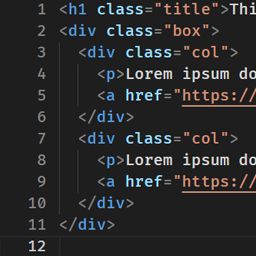
Extend Custom HTML block to evolve into the advanced code editor.

100% automatic code highlighting using the Prettify library. No shortcodes, no classnames, fully automatic and…
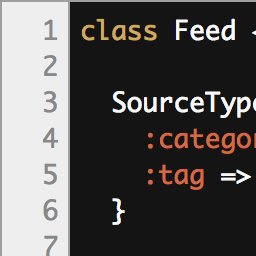
CodeColorer is a syntax highlighting plugin which allows inserting code snippets into blog posts. The…

Simple. Fast. 259 languages. Mobile-friendly. Rock-solid (GeSHi).

This plugin allows you to highlight code syntax in your posts. There are plenty of…

Add the possibility of "sticky" CPT. (Gutenberg compatibility)

Lite Syntax Highlighting: PHP, HTML, CSS, JS, C

Highlights your code snippets. With line numbering.

This plugin code prettify plugin using google code prettify. the code higlighting effect will be…

Enables CodeColorer for any code block created by the markdown-for-wordpress-and-bbpress plugin.

A no-fuss, lightweight, fast and optimised syntax highlighter for WordPress

A WordPress plugin for syntax highlighting using Pygments, though Pygments is not required to be…

Adds support for the Dynamics NAV CAL Cside Programming Language to the SyntaxHighlighter Evolved plugin.

HighLight Code allows you to add syntax highlighting to the snippets contained in your articles.…

LINER helps you highlight sentences on the web. Highlight your favorite texts.

A lightweight plugin that automatically prettifies code in [pre] tags, with linenumbers and without line-breaks.